Overview
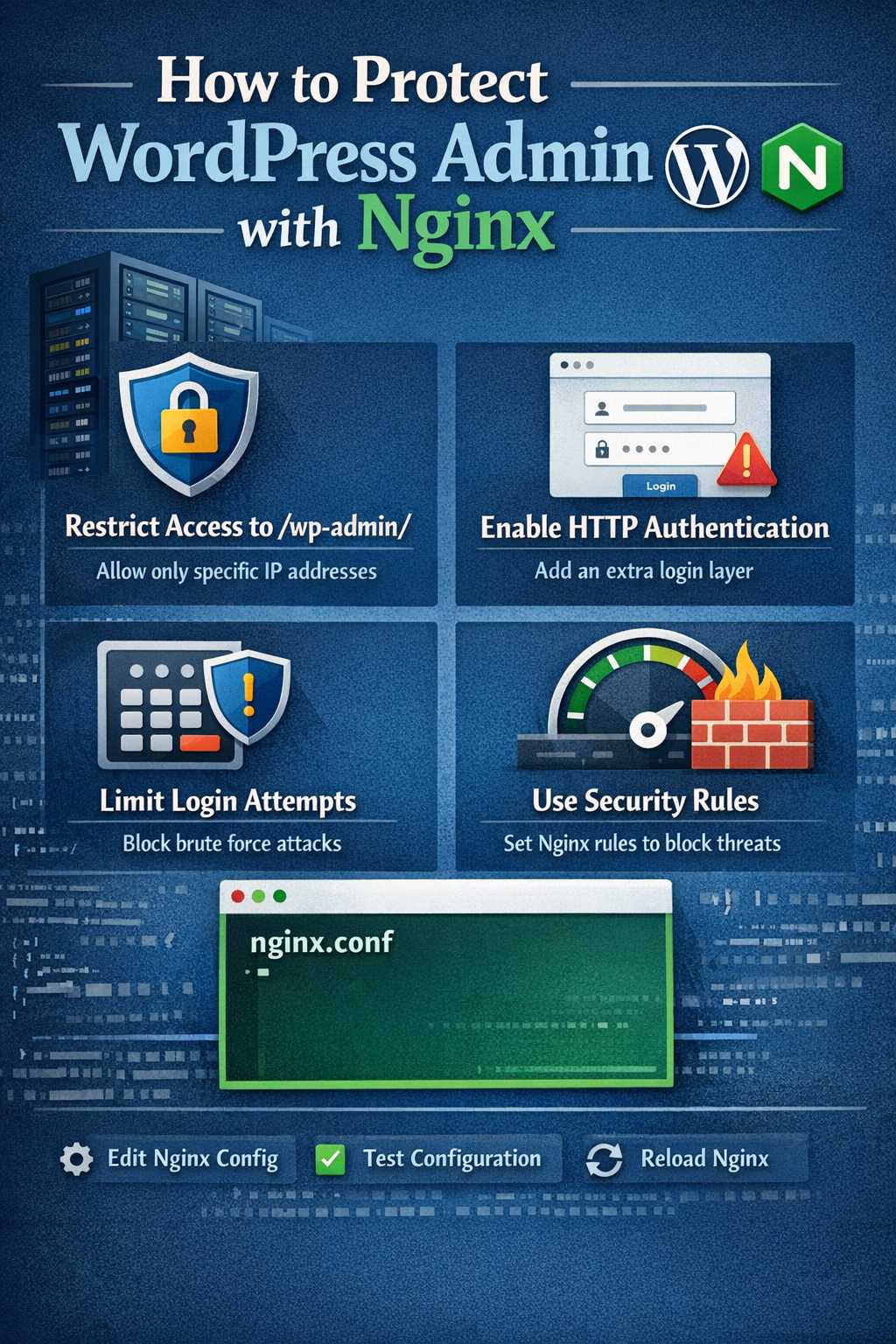
Add double-layer protection to WordPress admin using Nginx Basic Auth:
- Layer 1: Nginx Basic Auth (browser popup)
- Layer 2: WordPress username/password login
Prerequisites
- Nginx installed on server
apache2-utilspackage installed (for password generation)- WordPress admin access
Step-by-Step Guide
Step 1: Install Password Tool
# Ubuntu/Debian
sudo apt install apache2-utils

# CentOS/RHEL
sudo yum install httpd-tools
Step 2: Generate Basic Auth Password
# Create password file (use -c flag for first time)
sudo htpasswd -c /etc/nginx/.htpasswd_wordpress admin

# Enter your password twice
New password:
Re-type new password:
Adding password for user admin
Password file details:
- Path:
/etc/nginx/.htpasswd_wordpress - Format:
username:encrypted_password - Add new user:
htpasswd /etc/nginx/.htpasswd_wordpress username
Step 3: Configure Nginx
Edit your site configuration (LNMP path):
nano /usr/local/nginx/conf/vhost/your-domain.conf
Add/modify these settings:
server {
listen 80;
listen [::]:80;
server_name wordpress.yourdomain.com;
root /home/wwwroot/wordpress.yourdomain.com;
index index.php index.html;

# Admin directory protection
location /wp-admin/ {
auth_basic "Admin Area";
auth_basic_user_file /etc/nginx/.htpasswd_wordpress;
try_files $uri $uri/ /index.php?$args;
}

# Login page protection
location ~ ^/wp-login\.php {
auth_basic "Admin Area";
auth_basic_user_file /etc/nginx/.htpasswd_wordpress;
include enable-php-pathinfo.conf;
}
}
Step 4: Test and Reload
# Test configuration
nginx -t

# Reload Nginx (LNMP)
lnmp nginx reload

# Or standard way
systemctl reload nginx
Step 5: Test Access
- Visit:
https://wordpress.yourdomain.com/wp-admin/ - Browser shows login popup
- Enter
adminand password from Step 2 - WordPress login page appears
- Enter WordPress admin credentials
Password Management
Change Password
# Regenerate password
htpasswd -c -b /etc/nginx/.htpasswd_wordpress admin your-new-password

# Reload config
nginx -t && lnmp nginx reload
Add New User
htpasswd /etc/nginx/.htpasswd_wordpress username
View Password File
cat /etc/nginx/.htpasswd_wordpress
FAQ
Q: Forgot password?
A: Cannot decrypt. Reset with: htpasswd -c -b /etc/nginx/.htpasswd_wordpress admin new-password
Q: 502 Bad Gateway error?
A: Check PHP-FPM: systemctl status php-fpm, verify socket path.
Q: Mobile needs authentication?
A: Yes, Basic Auth is HTTP standard, all clients show login popup.
Complete Configuration Example
server {
listen 80;
listen [::]:80;
server_name wordpress.yourdomain.com;
root /home/wwwroot/wordpress.yourdomain.com;
index index.php index.html;

# Cloudflare real IP (optional)
set_real_ip_from 103.21.244.0/22;
set_real_ip_from 103.22.200.0/22;
set_real_ip_from 103.31.4.0/22;
set_real_ip_from 104.16.0.0/13;
set_real_ip_from 104.24.0.0/14;
set_real_ip_from 108.162.192.0/18;
set_real_ip_from 131.0.72.0/22;
set_real_ip_from 141.101.64.0/18;
set_real_ip_from 162.158.0.0/15;
set_real_ip_from 172.64.0.0/13;
set_real_ip_from 173.245.48.0/20;
set_real_ip_from 188.114.96.0/20;
set_real_ip_from 190.93.240.0/20;
set_real_ip_from 197.234.240.0/22;
set_real_ip_from 198.41.128.0/17;
set_real_ip_from 199.27.128.0/21;
real_ip_header CF-Connecting-IP;

# Frontend redirects to Vercel
location / {
if ($uri !~ ^/wp-admin/) {
return 302 https://yourdomain.com/blog$uri;
}
try_files $uri $uri/ /index.php?$args;
}

# Admin Basic Auth protection
location /wp-admin/ {
auth_basic "Admin Area";
auth_basic_user_file /etc/nginx/.htpasswd_wordpress;
try_files $uri $uri/ /index.php?$args;
}

# Login page Basic Auth protection
location ~ ^/wp-login\.php {
auth_basic "Admin Area";
auth_basic_user_file /etc/nginx/.htpasswd_wordpress;
include enable-php-pathinfo.conf;
}

# API endpoint
location /wp-json/ {
try_files $uri $uri/ /index.php?$args;
}

# PHP processing
location ~ \.php$ {
include enable-php-pathinfo.conf;
}

# Block sensitive files
location = /wp-config.php {
deny all;
}
location ~ /\.(?!well-known).* {
deny all;
}
}
Security Recommendations
- Strong password: At least 16 characters, mix of upper/lowercase, numbers, special chars
- Regular rotation: Change every 3-6 months
- IP restrictions: If you have fixed IP, limit access source
- Backup password file:
cp /etc/nginx/.htpasswd_wordpress /backup/path/ - Monitor access logs: Check Nginx logs for suspicious activity
Use Cases
- ✅ Internal server exposed via Cloudflare Tunnel
- ✅ Don’t want to expose WordPress frontend
- ✅ Need to protect admin login
- ✅ Multiple admins need separate accounts
Important Notes
- Basic Auth credentials sent with every request, use with HTTPS
- Cloudflare Tunnel encrypts traffic
- Keep password file secure, don’t commit to version control