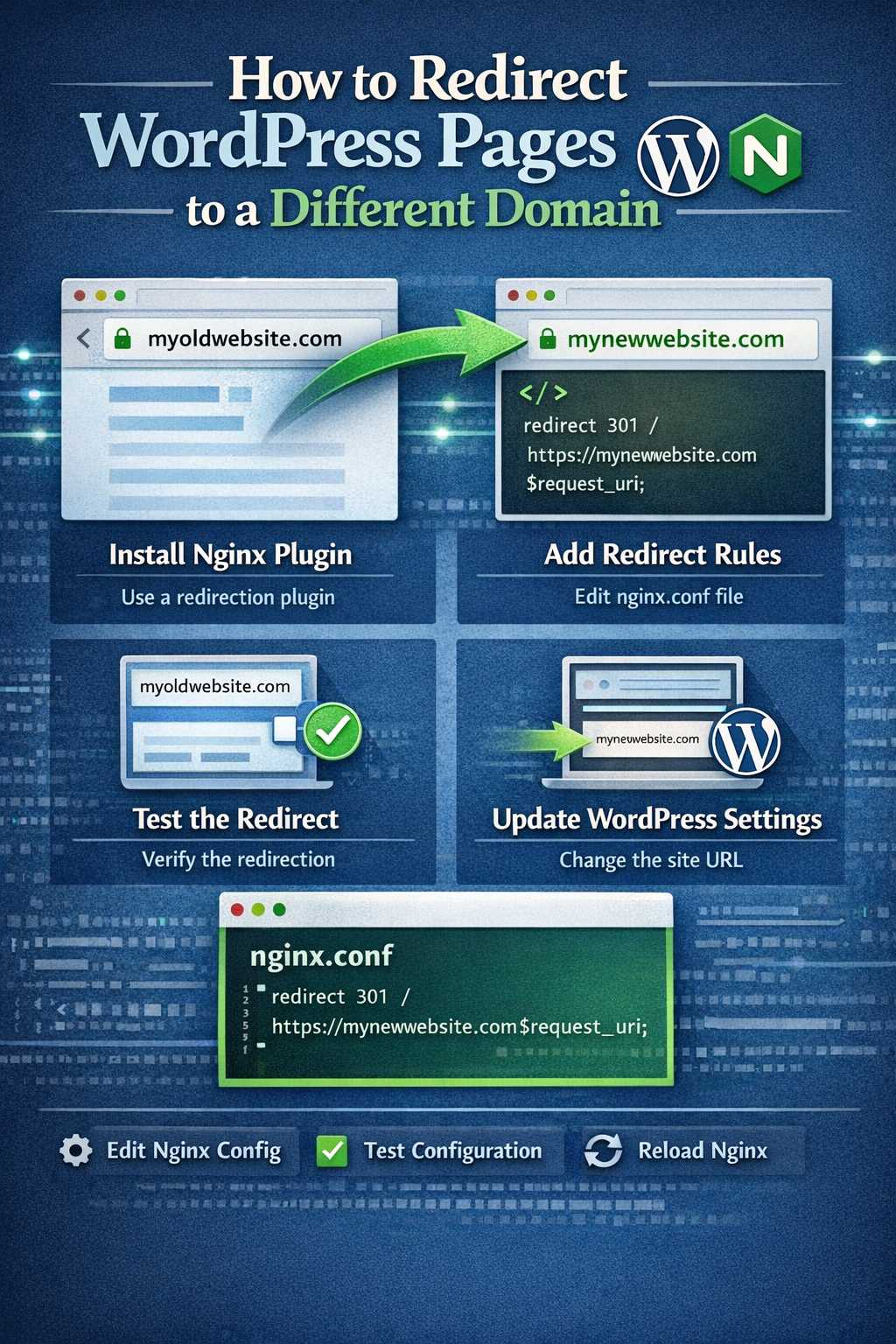
Overview
Using Nginx configuration to achieve:
- All WordPress frontend pages automatically redirect to another domain (e.g., Vercel frontend)
- WordPress admin remains accessible
- API endpoints respond normally
Core Principle
Use Nginx return directive for 302 redirects:
location / {
if ($uri !~ ^/wp-admin/) {
return 302 https://target-domain.com$uri;
}
try_files $uri $uri/ /index.php?$args;
}
Detailed Configuration Steps
Step 1: Edit Nginx Config
nano /usr/local/nginx/conf/vhost/your-domain.conf
Step 2: Add Redirect Rules
Add this configuration in the location / block:
location / {
# Exclude wp-admin and wp-json, redirect everything else
if ($uri !~ ^/wp-admin/) {
if ($uri !~ ^/wp-json/) {
return 302 https://yourdomain.com/blog$uri;
}
}
try_files $uri $uri/ /index.php?$args;
}
Step 3: Complete Configuration Example
server {
listen 80;
listen [::]:80;
server_name wordpress.yourdomain.com;
root /home/wwwroot/wordpress.yourdomain.com;
index index.php index.html;

# Frontend redirect to Vercel
location / {
# Exclude admin and API
if ($uri !~ ^/wp-admin/) {
if ($uri !~ ^/wp-json/) {
return 302 https://yourdomain.com/blog$uri;
}
}
try_files $uri $uri/ /index.php?$args;
}

# Admin access (unaffected)
location /wp-admin/ {
auth_basic "Admin Area";
auth_basic_user_file /etc/nginx/.htpasswd_wordpress;
try_files $uri $uri/ /index.php?$args;
}

# API access (unaffected)
location /wp-json/ {
try_files $uri $uri/ /index.php?$args;
}

location ~ ^/wp-login\.php {
auth_basic "Admin Area";
auth_basic_user_file /etc/nginx/.htpasswd_wordpress;
include enable-php-pathinfo.conf;
}

location ~ \.php$ {
include enable-php-pathinfo.conf;
}

location = /wp-config.php {
deny all;
}
location ~ /\.(?!well-known).* {
deny all;
}
}
Step 4: Test and Reload
# Test configuration
nginx -t

# Reload
lnmp nginx reload
Redirect Rule Types
| Type | Status Code | Use Case |
|---|---|---|
| Temporary | 302 | Temporary move, keep original links |
| Permanent | 301 | Permanent move, SEO friendly |
| Internal | rewrite | URL internal transformation |
Using 301 Permanent Redirect (SEO Recommended)
if ($uri !~ ^/wp-admin/) {
if ($uri !~ ^/wp-json/) {
return 301 https://yourdomain.com/blog$uri;
}
}
Before using 301, confirm:
- Migration is permanent
- No need to revert to original domain
- Search engines have indexed target pages
Using Rewrite for URL Transformation
location / {
if ($uri !~ ^/wp-admin/) {
if ($uri !~ ^/wp-json/) {
rewrite ^/(.*)$ https://yourdomain.com/blog/$1 permanent;
}
}
try_files $uri $uri/ /index.php?$args;
}
URL Path Mapping Rules
Scenario 1: Direct Redirect
Original: https://wordpress.yourdomain.com/hello-world Target: https://yourdomain.com/blog/hello-world
if ($uri !~ ^/wp-admin/) {
return 302 https://yourdomain.com/blog$uri;
}
Scenario 2: Remove Date Prefix
Original: https://wordpress.yourdomain.com/2024/01/hello-world Target: https://yourdomain.com/blog/hello-world
if ($uri !~ ^/wp-admin/) {
if ($uri !~ ^/wp-json/) {
rewrite ^/\d{4}/\d{2}/(.+)$ /blog/$1 permanent;
}
}
Scenario 3: Add Custom Prefix
Original: https://wordpress.yourdomain.com/hello-world Target: https://yourdomain.com/articles/hello-world
if ($uri !~ ^/wp-admin/) {
return 302 https://yourdomain.com/articles$uri;
}
Complete Redirect Configuration Template
server {
listen 80;
listen [::]:80;
server_name wordpress.yourdomain.com;
root /home/wwwroot/wordpress.yourdomain.com;
index index.php index.html;

# ============ Redirect Rules ============
location / {
# Excluded paths list
if ($uri !~ ^/wp-admin/) {
if ($uri !~ ^/wp-json/) {
if ($uri !~ ^/wp-login\.php) {
# Method 1: Direct redirect (recommended)
return 302 https://yourdomain.com/blog$uri;
}
}
}
try_files $uri $uri/ /index.php?$args;
}

# ============ Admin Access (Unaffected) ============
location /wp-admin/ {
auth_basic "Admin Area";
auth_basic_user_file /etc/nginx/.htpasswd_wordpress;
try_files $uri $uri/ /index.php?$args;
}

# ============ API Access (Unaffected) ============
location /wp-json/ {
try_files $uri $uri/ /index.php?$args;
}

# ============ Login Page ============
location ~ ^/wp-login\.php {
auth_basic "Admin Area";
auth_basic_user_file /etc/nginx/.htpasswd_wordpress;
include enable-php-pathinfo.conf;
}

# ============ PHP Processing ============
location ~ \.php$ {
include enable-php-pathinfo.conf;
}

# ============ Security Config ============
location = /wp-config.php {
deny all;
}
location ~ /\.(?!well-known).* {
deny all;
}
}
Testing Redirects
Method 1: curl Testing
# Test homepage redirect
curl -I https://wordpress.yourdomain.com/

# Test post page redirect
curl -I https://wordpress.yourdomain.com/hello-world

# Test admin (should return 401 Basic Auth)
curl -I https://wordpress.yourdomain.com/wp-admin/

# Test API (should be accessible)
curl https://wordpress.yourdomain.com/wp-json/wp/v2/posts?_embed
Expected Results
# Homepage → 302 redirect
HTTP/1.1 302 Moved Temporarily
Location: https://yourdomain.com/blog/

# Post page → 302 redirect
HTTP/1.1 302 Moved Temporarily
Location: https://yourdomain.com/blog/hello-world

# Admin → 401 Basic Auth
HTTP/1.1 401 Unauthorized
WWW-Authenticate: Basic realm="Admin Area"

# API → 200 OK
HTTP/1.1 200 OK
Method 2: Browser Testing
- Visit
https://wordpress.yourdomain.com/ - Should auto-redirect to
https://yourdomain.com/blog/ - Visit
https://wordpress.yourdomain.com/wp-admin/ - Should show Basic Auth popup
Troubleshooting
Problem 1: Redirect Loop
Cause: Target domain points to same server
Solution:
# Exclude target domain
if ($uri !~ ^/wp-admin/) {
if ($host != "yourdomain.com") {
return 302 https://yourdomain.com/blog$uri;
}
}
Problem 2: Admin Not Accessible
Cause: $uri matches /wp-admin/
Solution: Use more precise regex
location / {
if ($uri !~ ^/wp-admin(/.*)?$) {
return 302 https://yourdomain.com/blog$uri;
}
try_files $uri $uri/ /index.php?$args;
}
Problem 3: API Also Redirected
Cause: Didn’t exclude /wp-json/ path
Solution:
location / {
if ($uri !~ ^/wp-admin/) {
if ($uri !~ ^/wp-json/) {
return 302 https://yourdomain.com/blog$uri;
}
}
try_files $uri $uri/ /index.php?$args;
}
Advanced Configuration
Add Redirect Logging
# Add outside server block
log_format redirect_log '$remote_addr - $remote_user [$time_local] '
'"$request" $status $body_bytes_sent '
'"$http_referer" "$http_user_agent" redirect_to=$redirect_to';

access_log /var/log/nginx/redirect.log redirect_log;
Redirect Based on User Agent
location / {
if ($uri !~ ^/wp-admin/) {
if ($uri !~ ^/wp-json/) {
# Mobile devices redirect to different page
if ($http_user_agent ~* "mobile|android|iphone|ipad|phone") {
return 302 https://m.yourdomain.com/blog$uri;
}
# PC redirect
return 302 https://yourdomain.com/blog$uri;
}
}
try_files $uri $uri/ /index.php?$args;
}
Use Cases
- ✅ WordPress as pure data source (CMS)
- ✅ Frontend using Next.js/Astro/Gatsby
- ✅ Separate frontend/backend deployment
- ✅ Hide WordPress frontend, expose only API
- ✅ Multi-domain unified management
SEO Notes
- Before using 301: Confirm migration is permanent
- Update sitemap: Ensure new URLs are submitted correctly
- Set Canonical: Set canonical URLs in frontend framework
- Keep old links: Configure Nginx to handle 404 redirects
Security Recommendations
- ✅ Admin must have password protection
- ✅ Sensitive endpoints (like comment submission) should be blocked
- ✅ Check redirect logs regularly
- ✅ API should only be accessed by trusted frontend