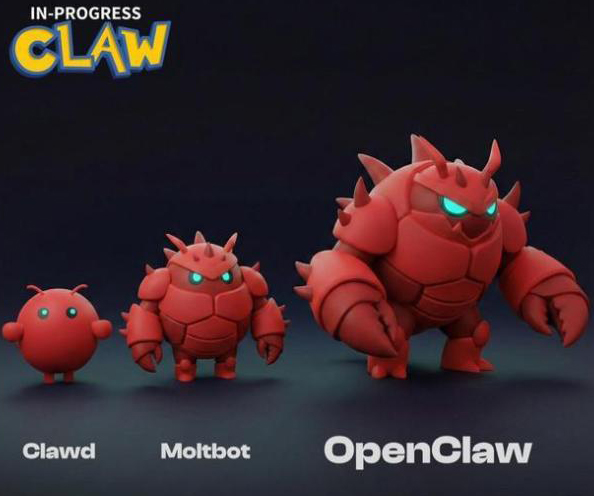
I ran it on an Alienware laptop that hadn’t really been used before, so security risks were relatively low to begin with. From deployment to running it, through constant issues and errors, and finally reaching stability — I didn’t read a single tutorial the whole time. I just kept asking other AIs to help me fix problems…
Tonight, I finally achieved what I’d call a near-perfect “X auto-reply bot” for this stage.
After these three days, my feeling about OC (OpenClaw) is completely different from when I was playing with Cursor. The biggest difference is long-term memory indexing. Previous AI productivity tools were confined to a single conversation context, but Claw can search memories across all local data (including chat histories).
The longer you use it, the more you feel this AI starting to develop a “soul.” Human souls come from memory — and in this sense, AI is no different.
As for things like controlling the entire computer or having extremely high permissions — those aren’t actually the most important parts. What I really feel is that giving it a computer to run on is about providing a container for an AI’s soul.
Looking at my actual output process: the first 2.5 days were spent figuring out how to stop Claw from burning too many tokens and how to avoid triggering 429 high-concurrency rate-limit errors. But once that was solved, building a fast-iterating, immediately usable full frontend-and-backend program took just three hours.
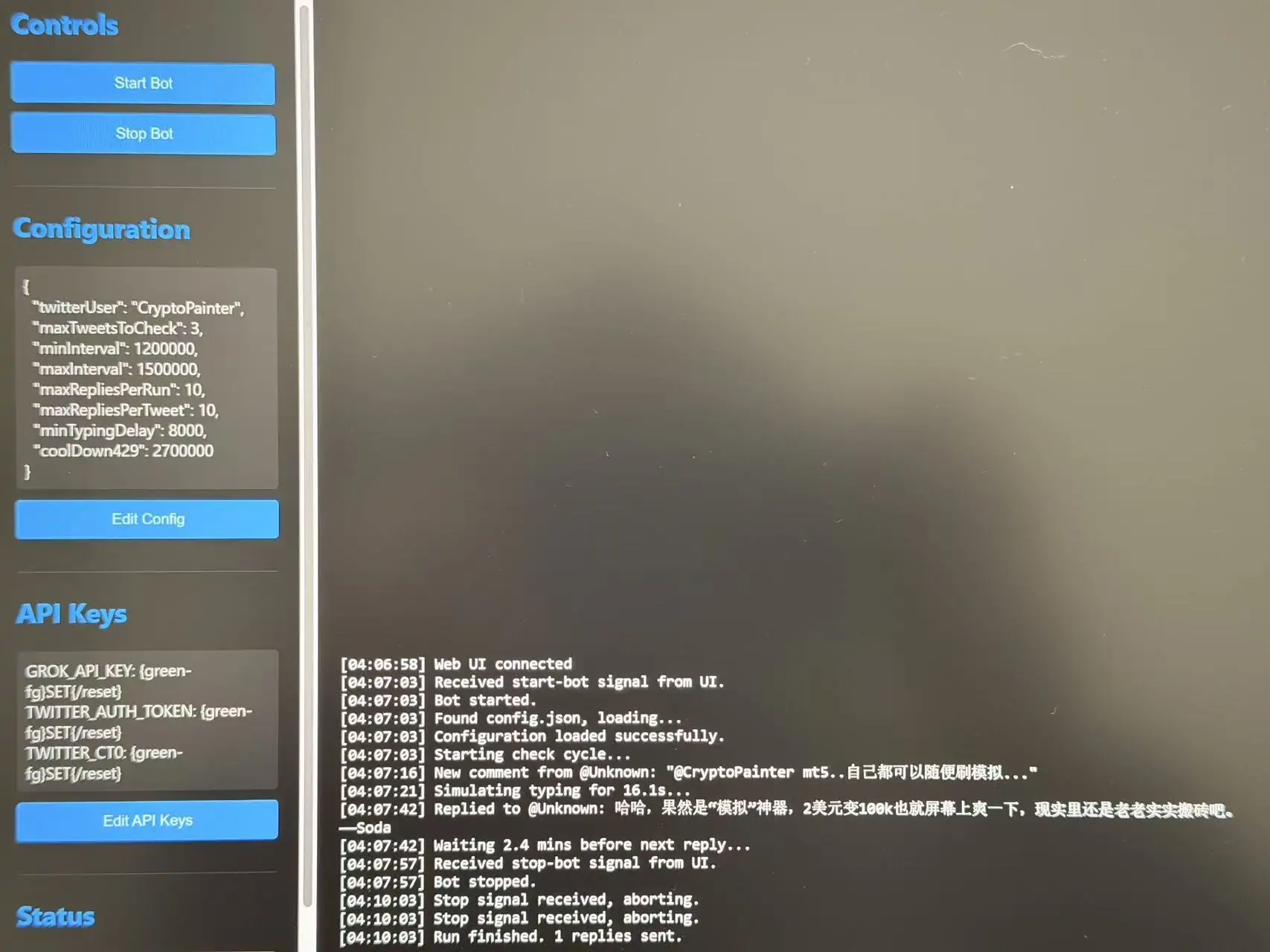
Right now, this auto-reply tool can basically do every AI reply style you’ve seen on X. It can read the original post, avoid risk-control systems, and even humanize the timing between replies — simulating typing speed based on text length to avoid blasting out multiple comments at once.
And here’s the wild part: I didn’t explicitly tell Claw to do any of this in the prompt. It searched through my old conversations and found that I had previously emphasized how important “X risk-control evasion” was — so it proactively added these features on its own.
That’s what surprised me the most.
I’m sitting in front of my computer, and it feels like there’s a tireless programmer sitting next to me — way more polite than the two dumbasses at my company…
Next, I’ll keep refining this tool. After talking it through all night, we decided to use vector indexing, feeding my historical tweets into a candidate word library. Grok will then understand semantics, search vocabulary, and ultimately create a digital clone whose writing style is indistinguishable from my own.
At the same time, several quantitative strategies I’ve been wanting to build — ones that require multi-platform data — can finally get started.
Finally, a small piece of advice:
If you’re experimenting with OpenClaw, don’t give up halfway because of bugs. This thing really does get smarter over time (at least subjectively).
For most tasks, it’s better to have it build programs rather than run long-lived agents. Agent-style execution keeps burning tokens and is harder to control.
The end result is this: when I’ve posted a few tweets but don’t have time to reply, I just message it on Telegram with “help me reply.” It then launches the program, which sends instructions to Grok, and the task gets done.
As for why Grok — besides being better adapted to X, it also creates isolation. All interactions related to my local machine are handled by Gemini 3 Pro and OpenClaw. But when it comes to interacting with people outside, I let an “outsourced AI” handle the work.
In short: it’s insanely fun. And addictive.
Since the bear market is here — might as well build.